
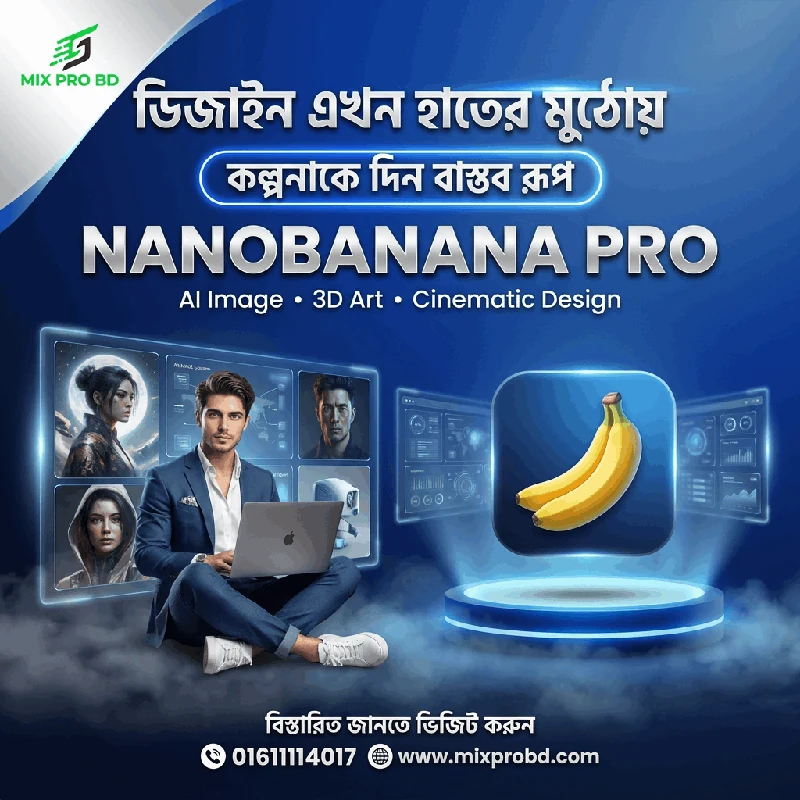
NanoBanana Pro
2,500.00৳ Original price was: 2,500.00৳ .999.00৳ Current price is: 999.00৳ .
NanoBanana Pro AI Creativity
Create stunning AI visuals for social media, marketing, thumbnails, creative projects, concept art, and professional design workflows with powerful AI image-generation capabilities.
🚀 Create Without Limits
Bring your ideas to life with NanoBanana Pro. Create photorealistic visuals, cinematic scenes, thumbnails, posters, concept art, product visuals, and social media content using AI-powered image generation and advanced prompting.
✨ Key Features
AI Image Generation
Generate creative visuals from detailed text prompts and creative concepts.
Photorealistic Visuals
Create realistic scenes, portraits, product visuals, and cinematic compositions.
Advanced Prompting
Turn detailed creative instructions into visually rich AI generated concepts.
Content Creation
Create visuals for thumbnails, ads, social posts, campaigns, presentations, and creative projects.
🎯 Perfect For
- Graphic Designers: Generate concepts, compositions, and visual ideas.
- Content Creators: Create thumbnails, social media visuals, and creative assets.
- Digital Marketers: Develop campaign visuals, advertisements, and promotional content.
- Freelancers & Agencies: Speed up creative production and visual experimentation.
📌 Important Information
- This is a digital AI service/access setup.
- Available features, generation limits, output behavior, and usage policies depend on the underlying service and applicable terms.
- Use generated content responsibly and ensure your intended commercial use complies with the applicable platform terms.
- Follow the setup instructions provided by MIX PRO BD for successful access.
⚡ What You Can Create
AI Photography
Creative portraits, lifestyle scenes, product photography, and realistic compositions.
Cinematic Scenes
Build cinematic environments, storytelling scenes, and creative visual concepts.
Product Visuals
Create promotional concepts and attractive product-focused imagery.
Marketing Content
Design concepts for ads, campaigns, social posts, and promotional materials.
🚀 Before Ordering
- Make sure you are ready to follow the provided setup instructions.
- Keep the required account or access information ready if requested.
- Complete payment first to initiate the access/setup process.
- Follow the supplied instructions carefully for the best experience.
⚙️ Activation Guide
- Place Order & Pay: Confirm your order and complete payment.
- Receive Access Details: Get the required access information and setup instructions.
- Complete Setup: Follow the provided steps to configure your access.
- Verify Access: Confirm that the service is working correctly.
- Start Creating: Begin generating AI visuals for your creative projects.