
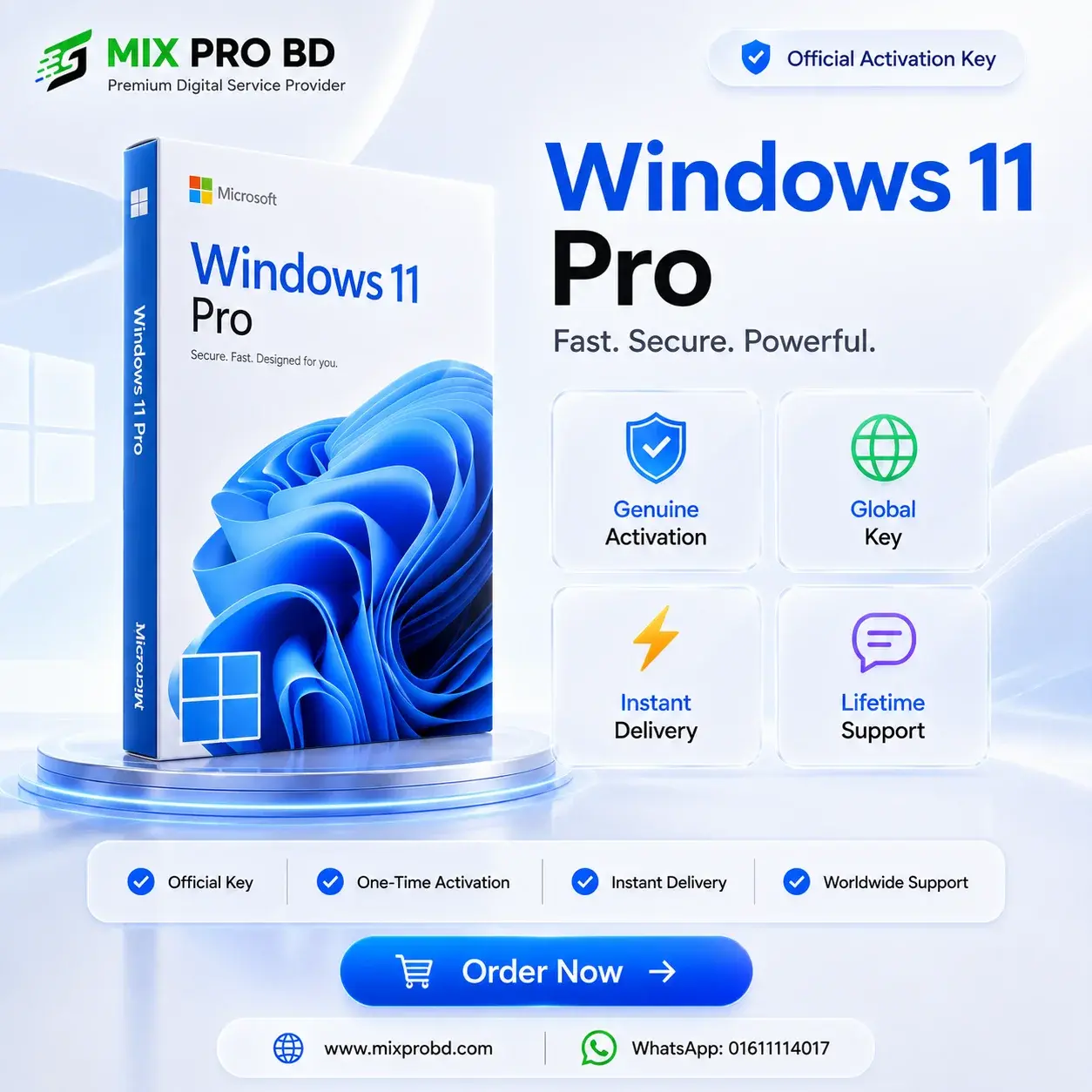
Windows 11 Pro
899.00৳ – 999.00৳ Price range: 899.00৳ through 999.00৳
Windows 11 Professional Pro
Complete Windows 11 Pro solution with product-key activation for a single compatible PC.
🪟 Windows 11 Pro License
Windows 11 Pro is a professional Windows operating system designed for compatible PCs that require advanced Windows features.
After purchasing, you will receive the required product key through your email. Download Windows 11 from Microsoft's official website and follow the setup and activation guide provided below.
✨ Key Features
Professional Windows edition for compatible PCs.
25-character product key for Windows activation.
License intended for one compatible PC.
One-time license with no recurring subscription for the license itself.
Follow Microsoft's Windows activation process.
Assistance available for setup and activation difficulties.
⚖️ OEM vs Retail
| Feature | Retail | OEM |
|---|---|---|
| License Type | Transferable according to applicable Microsoft license terms. | Generally tied to the original PC. |
| PC Usage | One PC at a time. | One PC. |
| Transfer | Can be transferred to another compatible PC according to applicable license terms. | Generally not intended for transfer to another PC. |
| Best For | Users who may need license transfer. | Users activating one fixed PC. |
🎯 Benefits
- Professional Windows 11 Pro experience for compatible devices.
- Download Windows 11 directly from Microsoft's official website.
- Clear product-key activation process.
- Online activation with alternative activation options when available.
- Suitable for personal, professional and business computing needs.
⚠️ Limitations
- Your PC must meet Windows 11 system requirements.
- The installed Windows edition must match the purchased license.
- OEM licenses are generally tied to the original PC.
- Internet access may be required during download and activation.
- Activation options can vary depending on your Windows 11 build.
📌 Important Before Ordering
- Make sure your computer meets Windows 11 system requirements.
- Make sure the Windows edition matches the purchased license.
- Download Windows 11 only from Microsoft's official website.
- Keep your product key secure and do not share it publicly.
- Follow the complete installation and activation guide before contacting support.
🎯 License Information
Windows 11 Pro is intended for one compatible Windows device. The product key supplied with your order is used during the Windows activation process.
🔍 Which License Should You Choose?
💻 Retail License
Suitable if you may need to transfer the license to another compatible PC according to Microsoft's applicable license terms.
🔒 OEM License
Suitable when you are activating one PC and do not expect to transfer the license to another PC.
📖 Installation & Activation Guide
আপনার Windows 11 Pro activation সম্পন্ন করার জন্য নিচের step-by-step guide follow করুন।
প্রথমে Microsoft-এর official website থেকে Windows 11 setup download করে installation complete করুন। এরপর আপনার order-এর সময় email-এ দেওয়া product key ব্যবহার করে Windows activation process সম্পন্ন করুন।
🛡️ Why Buy from MIX PRO BD?
Windows 11 Pro — Installation & Activation Guide
Step 1 — Download Windows 11 from Microsoft
Windows 11 setup should be downloaded directly from Microsoft's official website.
⬇ Download Windows 11 — Microsoft OfficialInstall Windows 11 Pro
Microsoft-এর official setup ব্যবহার করে আপনার compatible PC-তে Windows 11 installation complete করুন।
Microsoft Official Download → Windows 11 Setup → InstallOpen Windows Activation
Windows 11 Pro installation complete হওয়ার পর Activation settings খুলুন।
Settings → System → ActivationSelect Change Product Key
Change product key select করুন এবং আপনার 25-character Windows 11 Pro product key enter করুন।
Settings → System → Activation → Change product keyEnter Your Product Key
Order-এর সময় email-এ পাওয়া 25-character product key enter করুন।
Try Online Activation
Windows প্রথমে online activation করার চেষ্টা করবে। Activation সফল হলে এখানেই process complete হয়ে যাবে।
Select Activate by Phone When It Appears
Activation options-এর মধ্যে Activate by phone option দেখা গেলে সেটি select করুন।
Alternatively, press Windows + R, type slui 4, then select OK.
Use Automated Help on Newer Windows 11 Builds
Newer Windows 11 builds-এ Activate by phone-এর পরিবর্তে Automated Help option দেখা যেতে পারে।
Settings → System → Activation → Automated HelpGet the Installation ID
Windows-এর activation instructions follow করে Installation ID সংগ্রহ করুন।
Open Microsoft Product Activation Portal
Microsoft-এর Product Activation Portal খুলুন।
🔐 Open Microsoft Product Activation Portal
Select Activate a Microsoft Product
Product Activation Portal-এর ভিতরে Windows activation-এর relevant option select করুন।
Activate a Microsoft Product → Windows → Windows 11Enter the Installation ID
Windows থেকে পাওয়া Installation ID Microsoft Product Activation Portal-এ enter করে submit করুন।
Receive the Confirmation ID
Microsoft activation process follow করে Confirmation ID সংগ্রহ করুন।
Enter the Confirmation ID
Windows activation screen-এ ফিরে গিয়ে Microsoft থেকে পাওয়া Confirmation ID enter করুন।
Complete Windows Activation
Windows-এর screen-এ দেখানো instructions follow করে activation complete করুন।
Check Activation Status
Activation complete হওয়ার পর Windows Activation page-এ গিয়ে activation status check করুন।
Settings → System → ActivationWindows 11-এর activation interface build অনুযায়ী কিছুটা আলাদা হতে পারে।
Activate by phone option দেখা গেলে সেটি select করুন। চাইলে Windows + R চাপুন, slui 4 লিখে OK select করুন।
নতুন Windows 11 builds-এ যদি Automated Help দেখা যায়, তাহলে সেই activation flow follow করুন।
Official Microsoft Resources
Product page-এর instructions follow করার পরও setup বা activation নিয়ে সমস্যা হলে MIX PRO BD Technical Support Team-এর সাথে যোগাযোগ করুন।
📞 +880 1611-114017
| Windows Key |
OEM Key ,Retail Key |
|---|